Turn Photo intoLine Drawing
Convert photos into clean line drawings with stronger contours, reduced shading, and simpler structure.
Upload
Add a photo
Output ratio
Set the line drawing canvas without cropping the subject.
Results
Clean line drawings
Your line drawing appears here
When photo to line drawing works best
Use this mode when you want readable contours without the heavier shading of a pencil sketch. It is useful for products, buildings, plants, pets, and scenes with clear edges.
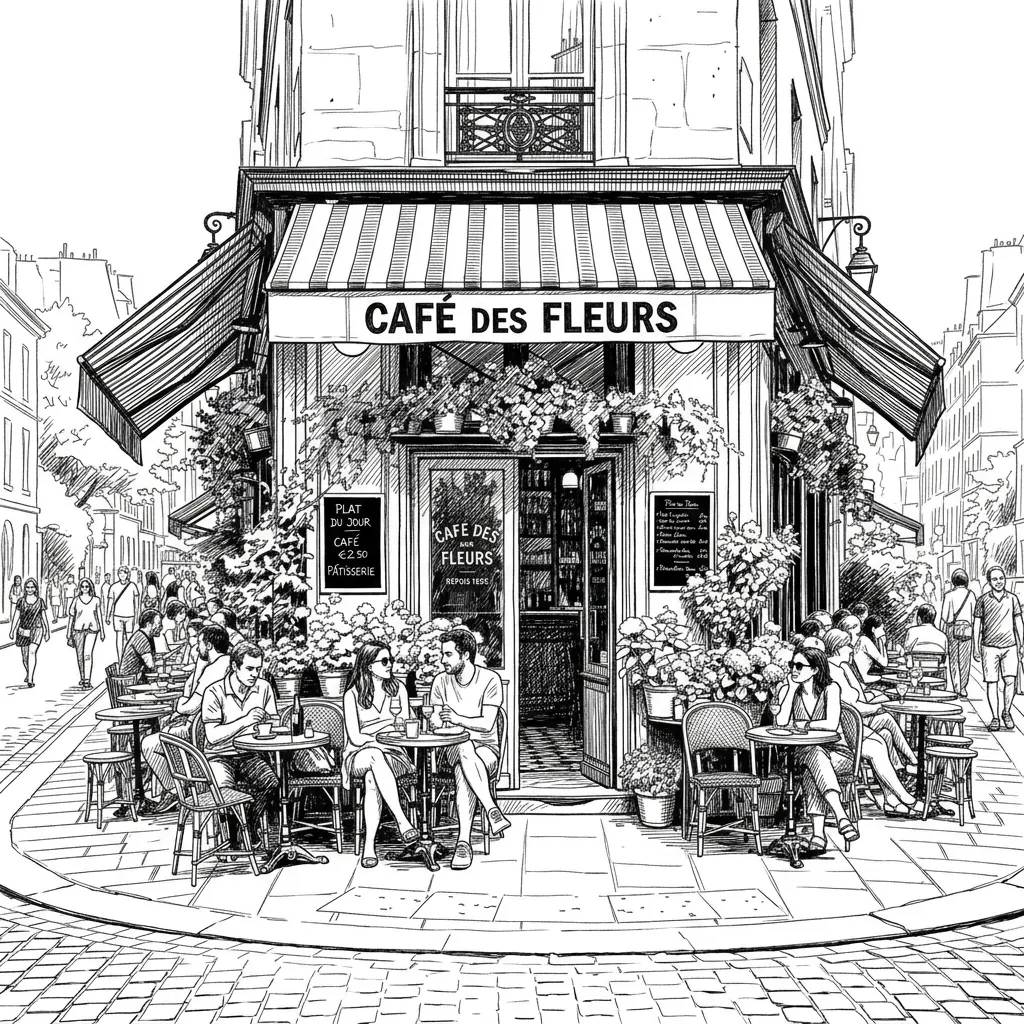
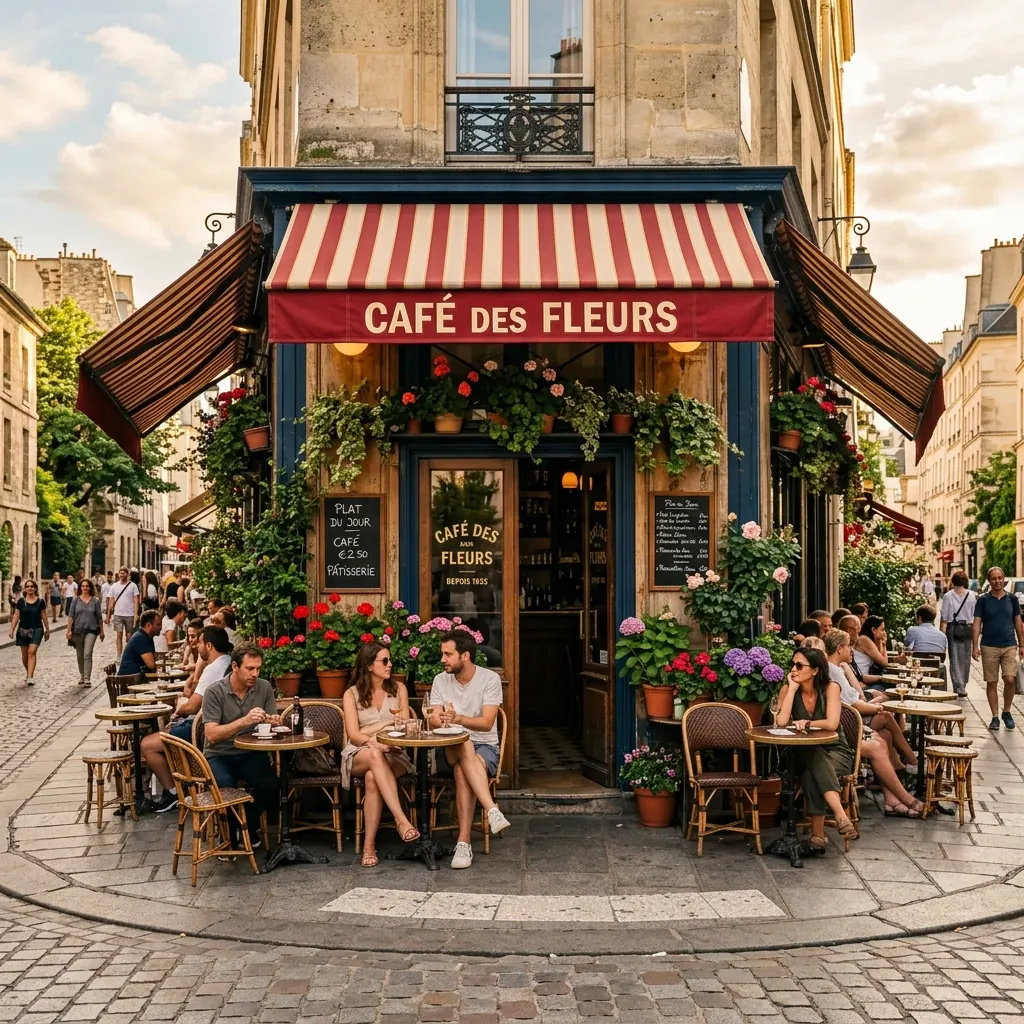
Good uses
- Reference outlines for drawing practice and creative drafts
- Product, object, and plant line art with simpler shapes
- Cleaner visual structure for crafts, thumbnails, and planning
Cleaner results
- Use a bright source photo with visible boundaries.
- Reduce background clutter when the subject has fine detail.
- Choose line drawing when pencil sketch results feel too dark or textured.
How to turn a photo into a line drawing
Upload a sharp photo with visible edges and a clear main subject.
Choose the clean line art style to simplify tone and keep structure.
Download the line drawing for reference, tracing, crafts, or visual planning.
photo to line drawing FAQ
Read the line drawing guideWhat kind of photo makes the best line drawing?
Sharp, well-lit photos with clear subject edges work best. If the photo is blurry or full of background texture, the line drawing may look busy.
Is line drawing the same as line art?
They are closely related. This page focuses on clean photo-to-line-drawing results with readable contours and reduced shading.
Can I use this for product outlines?
Yes. Product photos with simple backgrounds can convert well into line drawings, especially when the shape and edges are easy to distinguish.
Image to Sketch Pricing
Buy credits once and use them anytime. Every result is watermark-free. Paid credit packs add batch conversion and background cleanup.
20 Credit Pack
A low-friction pack for small creative batches.
- 20 non-expiring credits
- Batch up to 4 images at once
- Background cleanup
- Pay once, use anytime
45 Credit Pack
For regular image-to-sketch work with one-time credits.
- 45 non-expiring credits
- Batch up to 4 images at once
- Background cleanup
- Pay only when you need it
100 Credit Pack
For heavy batches, classrooms, teams, and repeat creative workflows.
- 100 non-expiring credits
- Batch up to 4 images at once
- Background cleanup
- Lowest cost per image