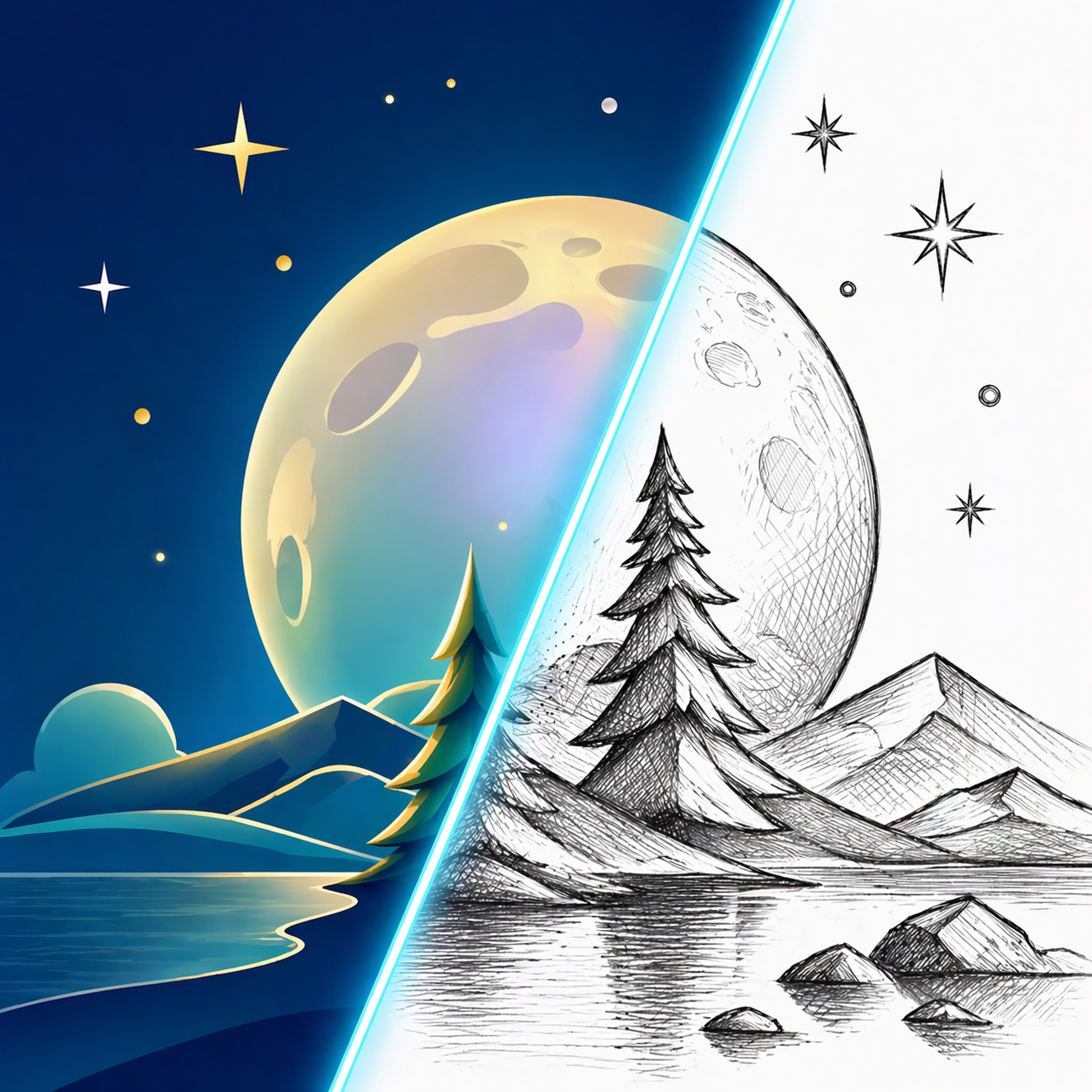
Turn Image intoCloud Sketch
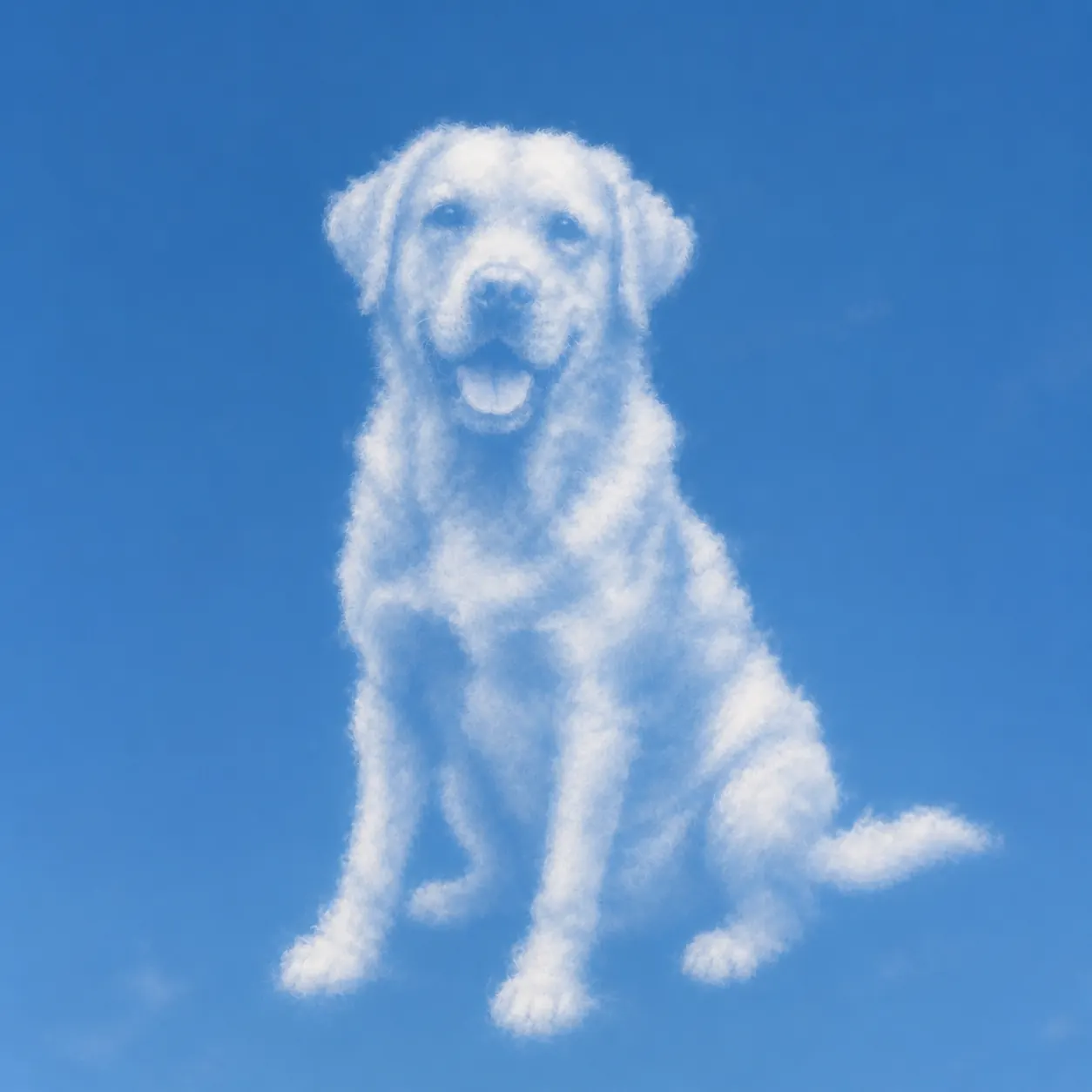
Transform an uploaded image into a realistic cloud-shaped subject in a clean blue sky, with adjustable cloud density.
Upload
Add an image
Cloudness
Lower values keep more blue sky and a lighter cloud silhouette.
Output ratio
Set the blue sky canvas without cropping the cloud-shaped subject.
Results
Cloud sketch results
Your cloud sketch appears here
When image to cloud sketch works best
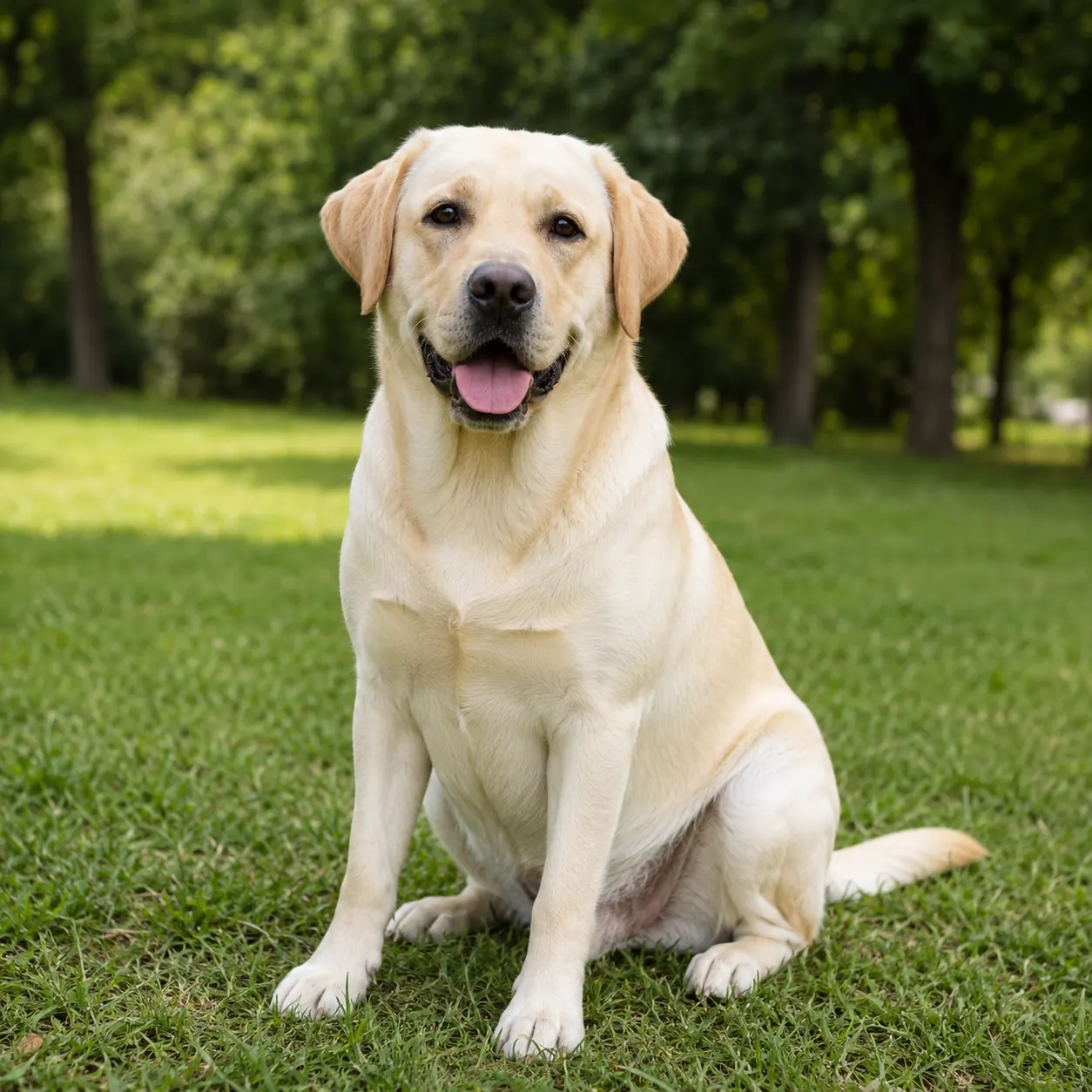
Use this mode when the subject has a recognizable silhouette that can read as a cloud shape. It works best with clear icons, objects, animals, portraits, logos without text, or simple compositions with strong outer contours.
Good uses
- Dreamy social posts and surreal profile visuals
- Cloud-shaped animals, objects, symbols, and simple portraits
- Creative campaign images, mood boards, and atmospheric concept art
Cleaner results
- Use images with a simple outline and avoid tiny interior details.
- Lower cloudness if the result feels too heavy or covers too much sky.
- Avoid source images with text; the cloud style is designed for shape, not readable lettering.
How to turn an image into a cloud sketch
Upload an image with a clear silhouette and visible negative spaces.
Adjust cloudness lower for an airy sky result or higher for a fuller cumulus shape.
Generate the cloud sketch and download a realistic blue-sky image.
image to cloud sketch FAQ
Read the cloud sketch guideWhat does cloudness control?
Cloudness controls how much cloud mass is used to form the subject. Lower values keep more blue sky and wispy edges, while higher values create a fuller cumulus shape.
What images work best for cloud sketches?
Simple subjects with strong silhouettes work best: animals, objects, icons, faces with clear outlines, and compositions with recognizable negative spaces.
Can cloud sketch preserve text?
No. The cloud sketch style uses the image as a shape reference, but it is not meant to preserve readable text. Use simple shapes instead of lettering.
Image to Sketch Pricing
Buy credits once and use them anytime. Paid credit packs include batch conversion, no-watermark exports, and background cleanup.
20 Credit Pack
A low-friction pack for trying paid exports and small creative batches.
- 20 non-expiring credits
- No watermark while credits remain
- Batch conversion
- Background cleanup
- Pay once, use anytime
45 Credit Pack
For regular image-to-sketch work with one-time credits.
- 45 non-expiring credits
- No watermark while pack credits remain
- Batch conversion
- Background cleanup
- Pay only when you need it
100 Credit Pack
For heavy batches, classrooms, teams, and repeat creative workflows.
- 100 non-expiring credits
- No watermark while pack credits remain
- Batch conversion
- Background cleanup
- Lowest cost per image