Turn Image intoRetro CRT Interface
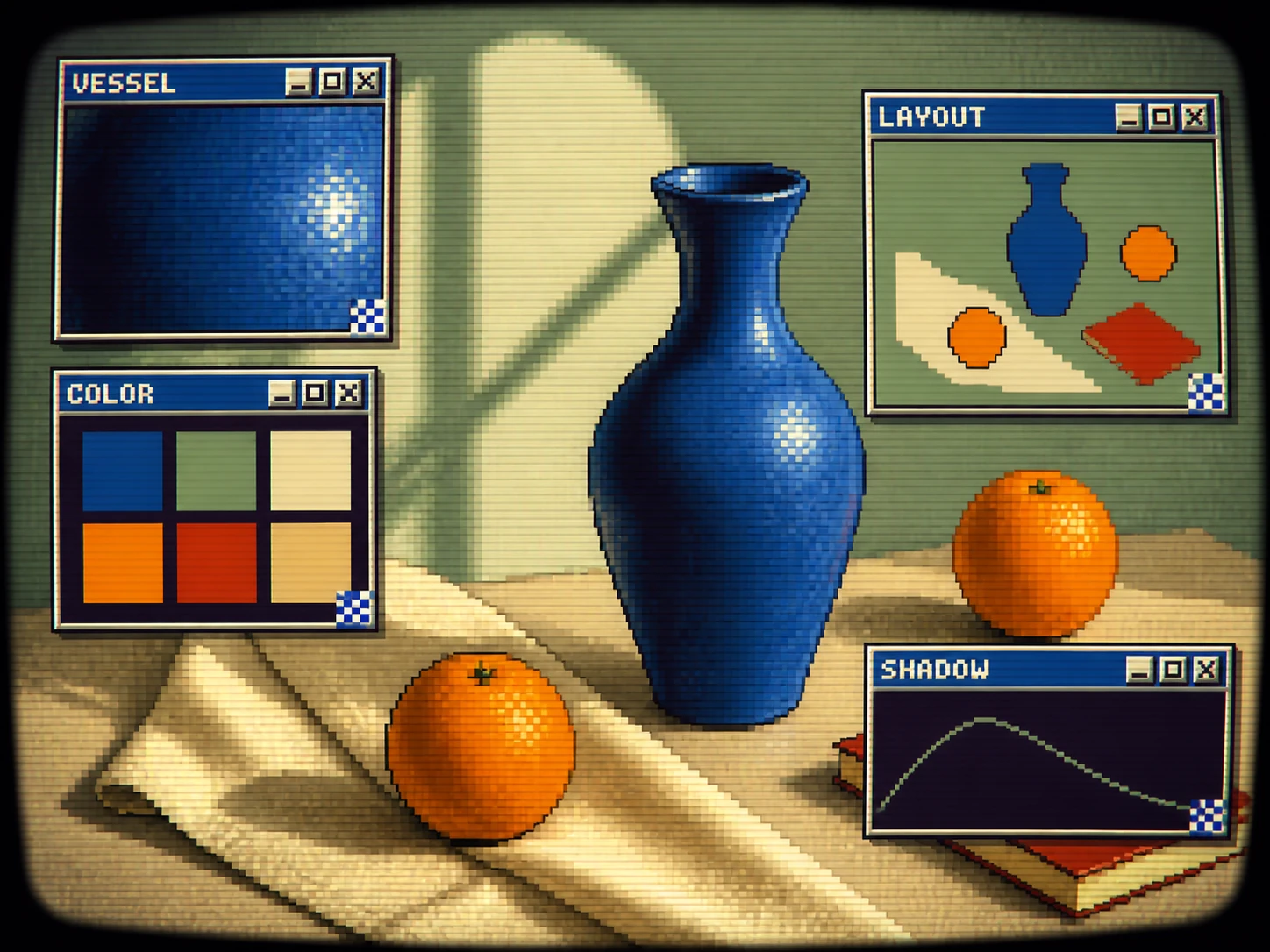
Rebuild an uploaded subject as an original pixel wallpaper beneath layered early-desktop windows, using phosphor palettes and controllable CRT character.
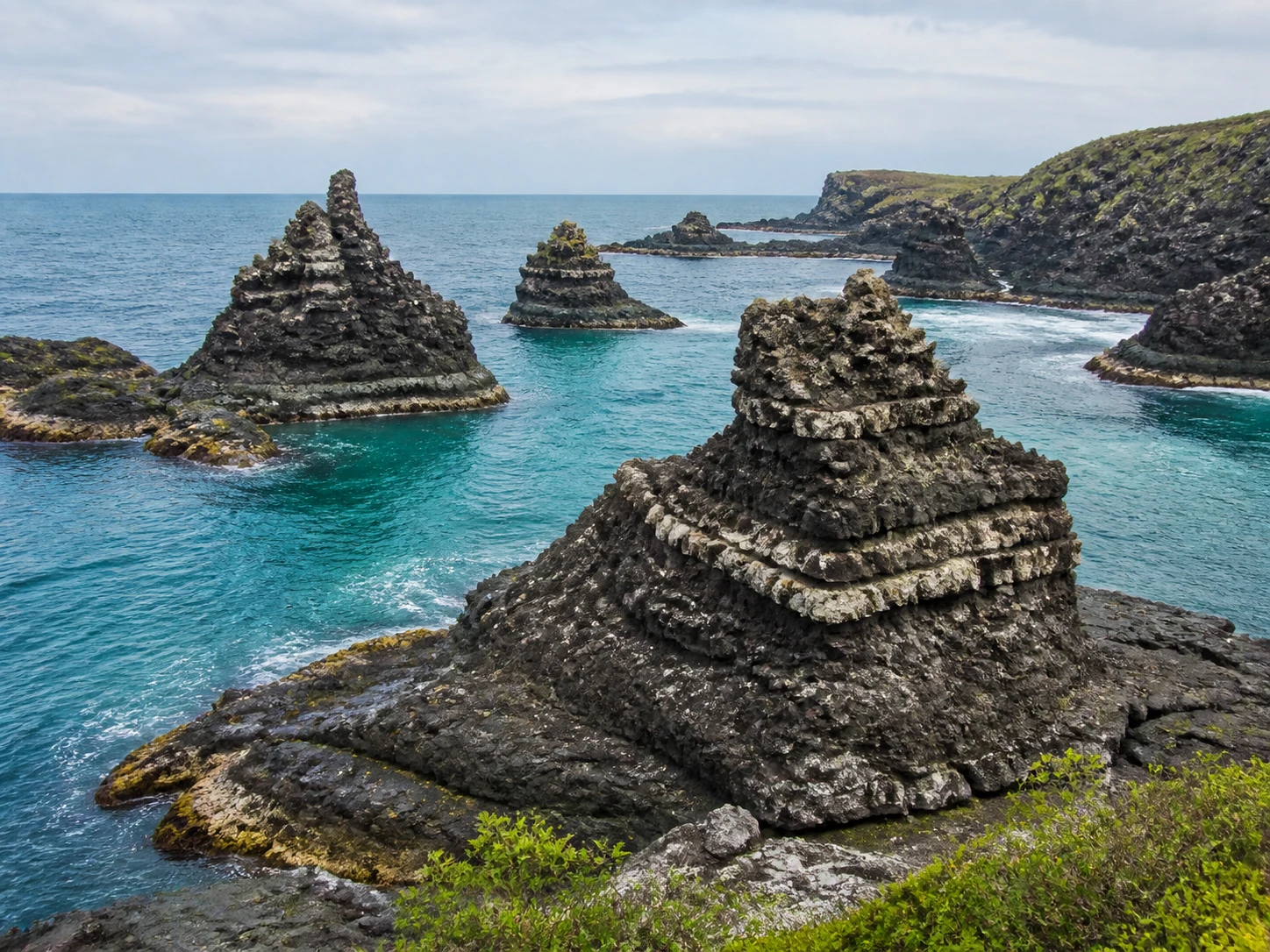
Upload
Add an image
Palette
Interface density
CRT strength
Output ratio
Choose the monitor canvas shape for the interface composition.
Results
Retro CRT interface results
Your CRT interface appears here
When retro CRT interface works best
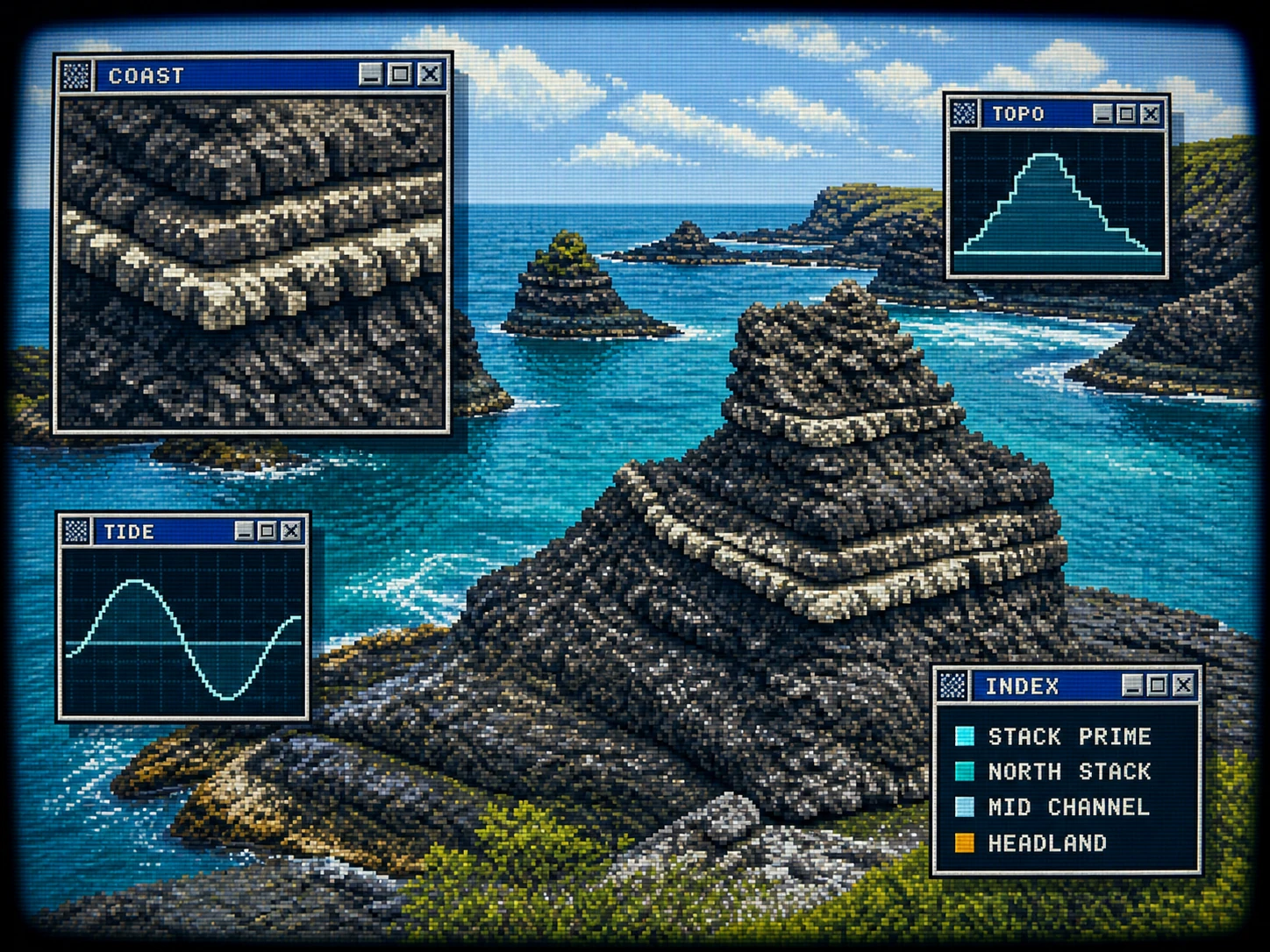
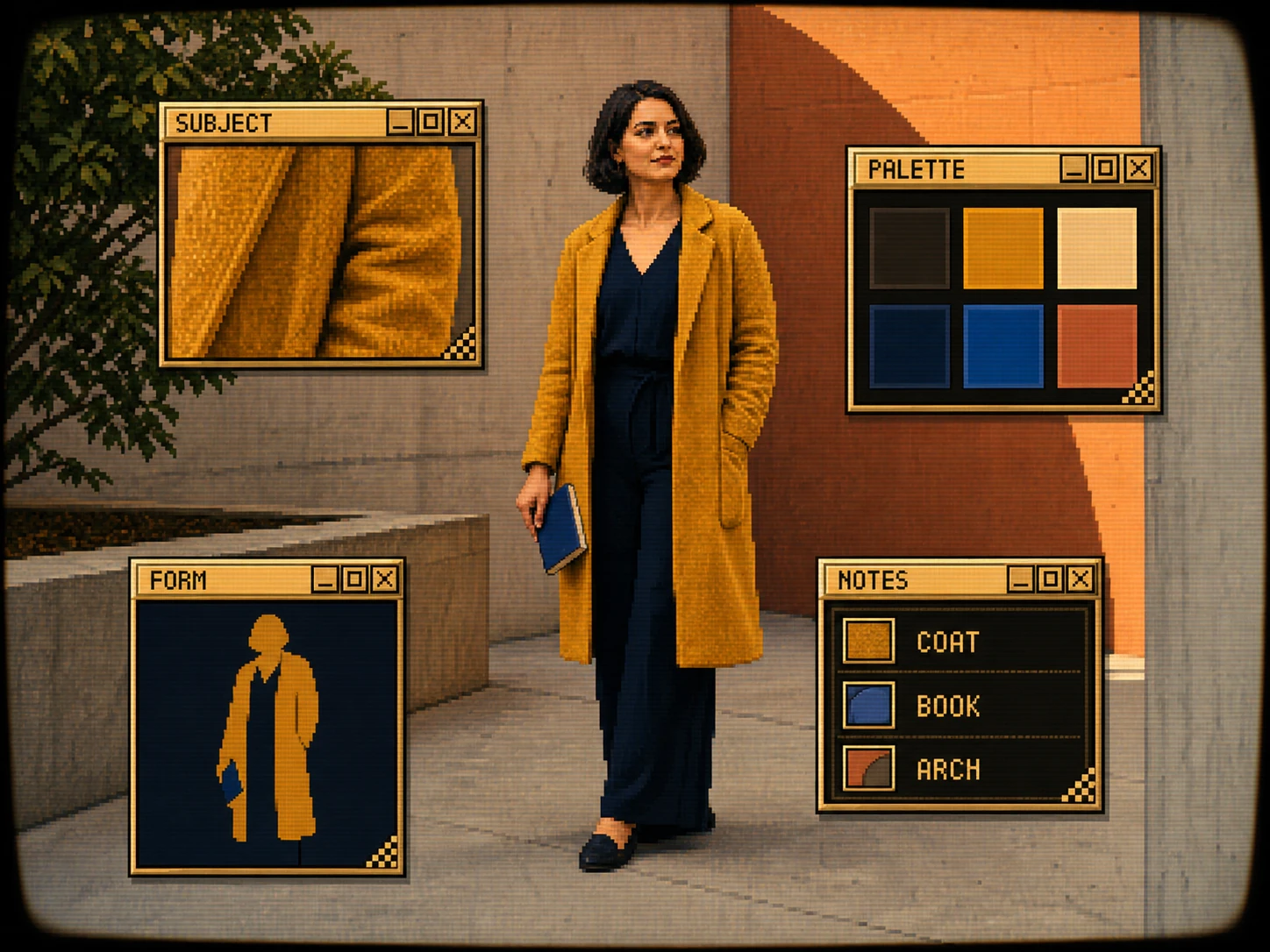
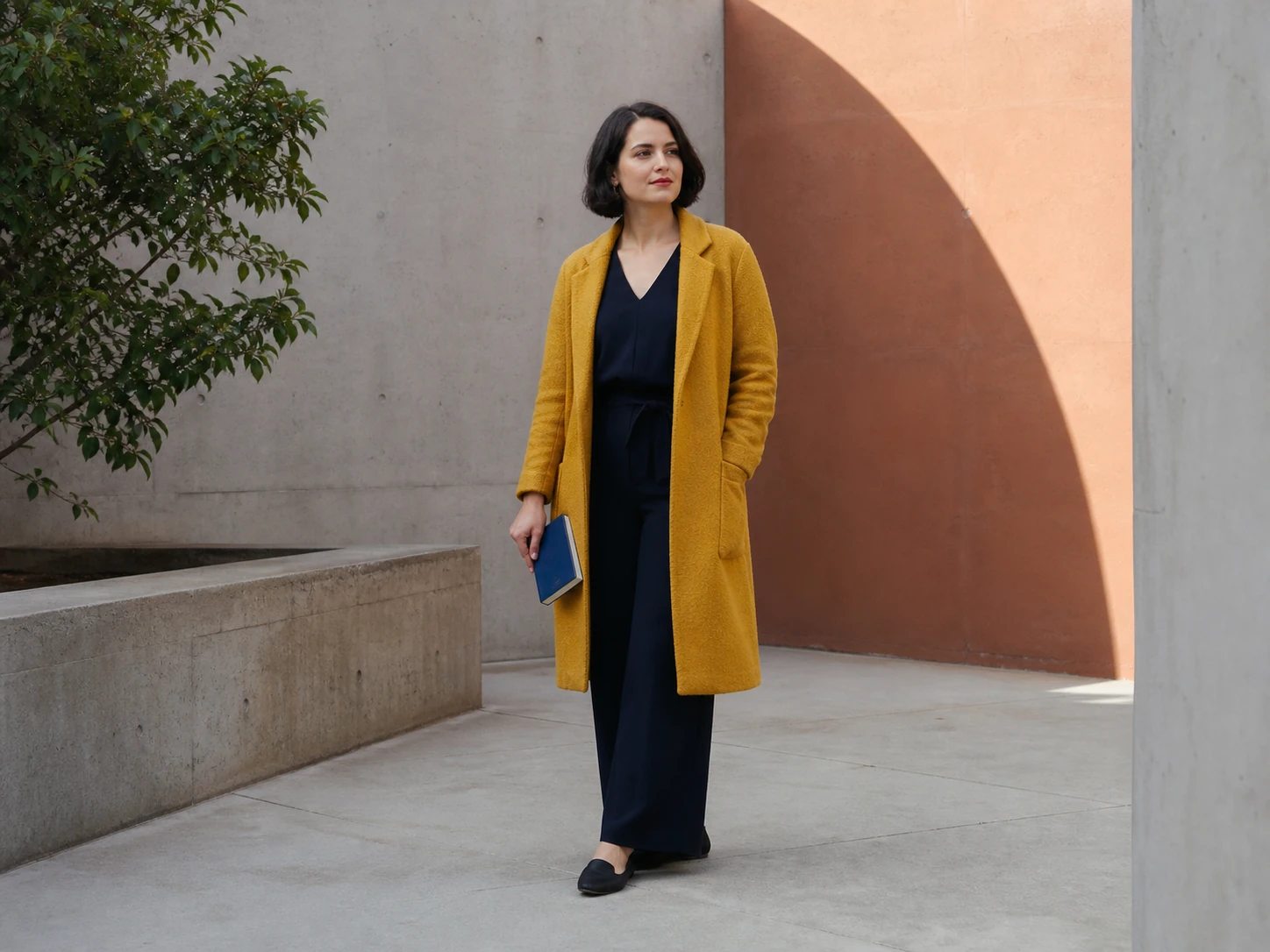
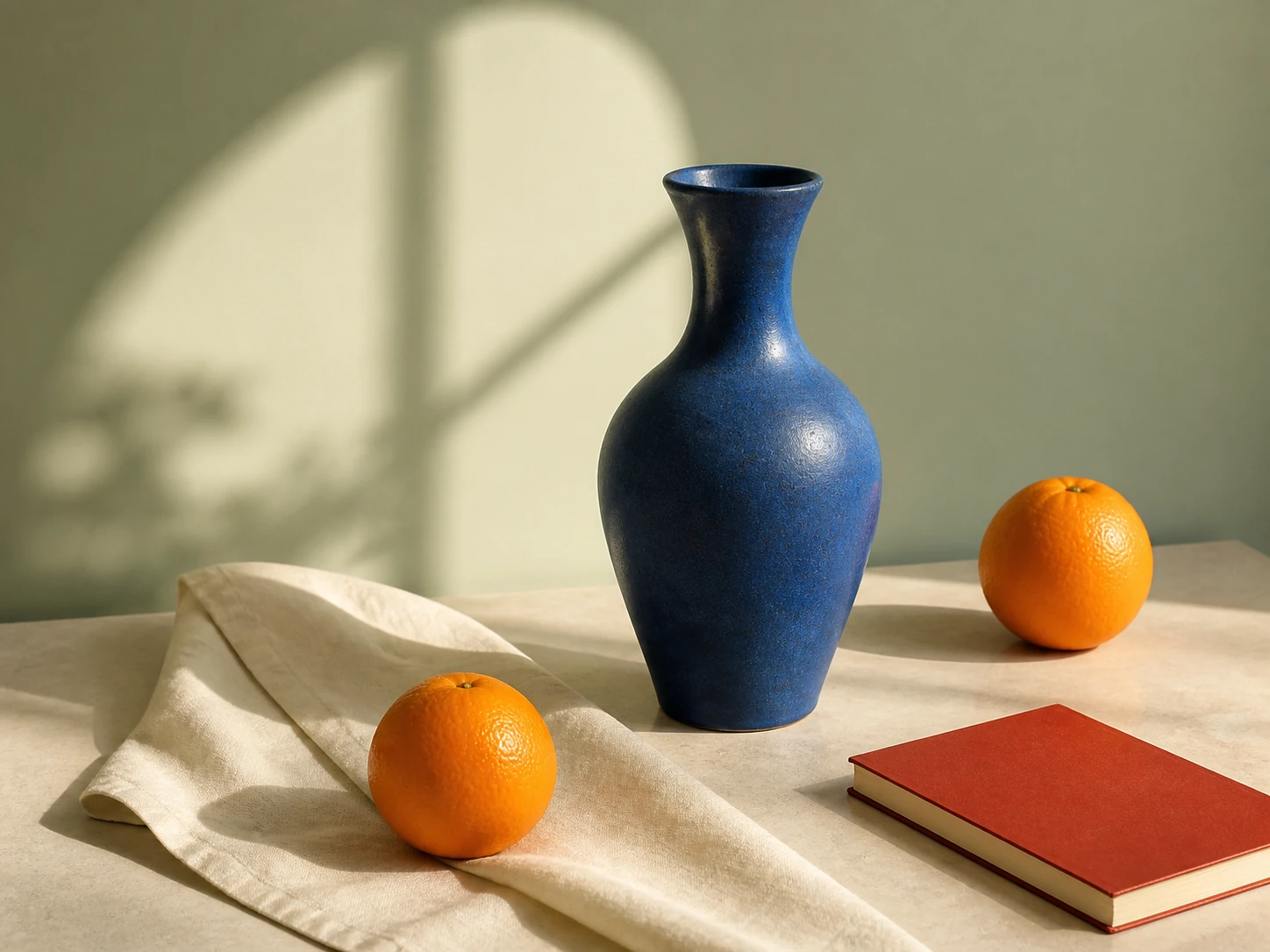
Use this mode when you want the source subject rebuilt as a bold pixel wallpaper behind a complete early-desktop interface rather than given a simple screen filter. Palette, canvas shape, window density, and analog strength all affect the generated composition.
Good uses
- Music visuals, game concepts, streaming graphics, and sci-fi mood boards
- Retro-futurist portraits, products, vehicles, and environment studies
- Social artwork and presentation covers with a technical screen language
Cleaner results
- Use a strong silhouette so the rebuilt wallpaper subject remains readable behind the interface windows.
- Start with Balanced density and Classic CRT strength before pushing either control.
- Choose From Photo when the source already has a distinctive color palette.
How to turn an image into a CRT interface
Upload an image with a readable subject, silhouette, or arrangement.
Choose a palette and aspect ratio, then set interface density and CRT strength.
Generate and download the finished monitor interface image.
photo to CRT interface FAQ
What does interface density change?
It changes the foreground window constellation. Sparse uses three larger windows and one detail crop, while Dense uses five or six tiered windows and several unequal feature crops without displacing the wallpaper subject.
What does CRT strength change?
It controls the requested scanlines, glow, color separation, analog noise, and screen curvature, from subtle to pronounced.
What does From Photo palette do?
It asks the generation to derive a tight interface palette from the uploaded image instead of using one of the fixed phosphor-inspired palettes.
Image to Sketch Pricing
Buy credits once and use them anytime. Paid credit packs include batch conversion, no-watermark exports, and background cleanup.
20 Credit Pack
A low-friction pack for trying paid exports and small creative batches.
- 20 non-expiring credits
- No watermark while credits remain
- Batch conversion
- Background cleanup
- Pay once, use anytime
45 Credit Pack
For regular image-to-sketch work with one-time credits.
- 45 non-expiring credits
- No watermark while pack credits remain
- Batch conversion
- Background cleanup
- Pay only when you need it
100 Credit Pack
For heavy batches, classrooms, teams, and repeat creative workflows.
- 100 non-expiring credits
- No watermark while pack credits remain
- Batch conversion
- Background cleanup
- Lowest cost per image