Turn Photo intoCaricature
Transform a portrait photo into an exaggerated street caricature sketch with playful distortion, bold ink lines, and hand-drawn energy.
Upload
Add a portrait
Output ratio
Keep the caricature on a clean canvas without cropping the subject.
Pure black ink line art on a clean white background.
Results
Street caricature sketches
Your caricature appears here
When photo to caricature works best
Use this mode when you want playful, exaggerated portrait art instead of a realistic pencil sketch. It works best with clear, well-lit portraits where facial features are easy to read, and the background is simple.
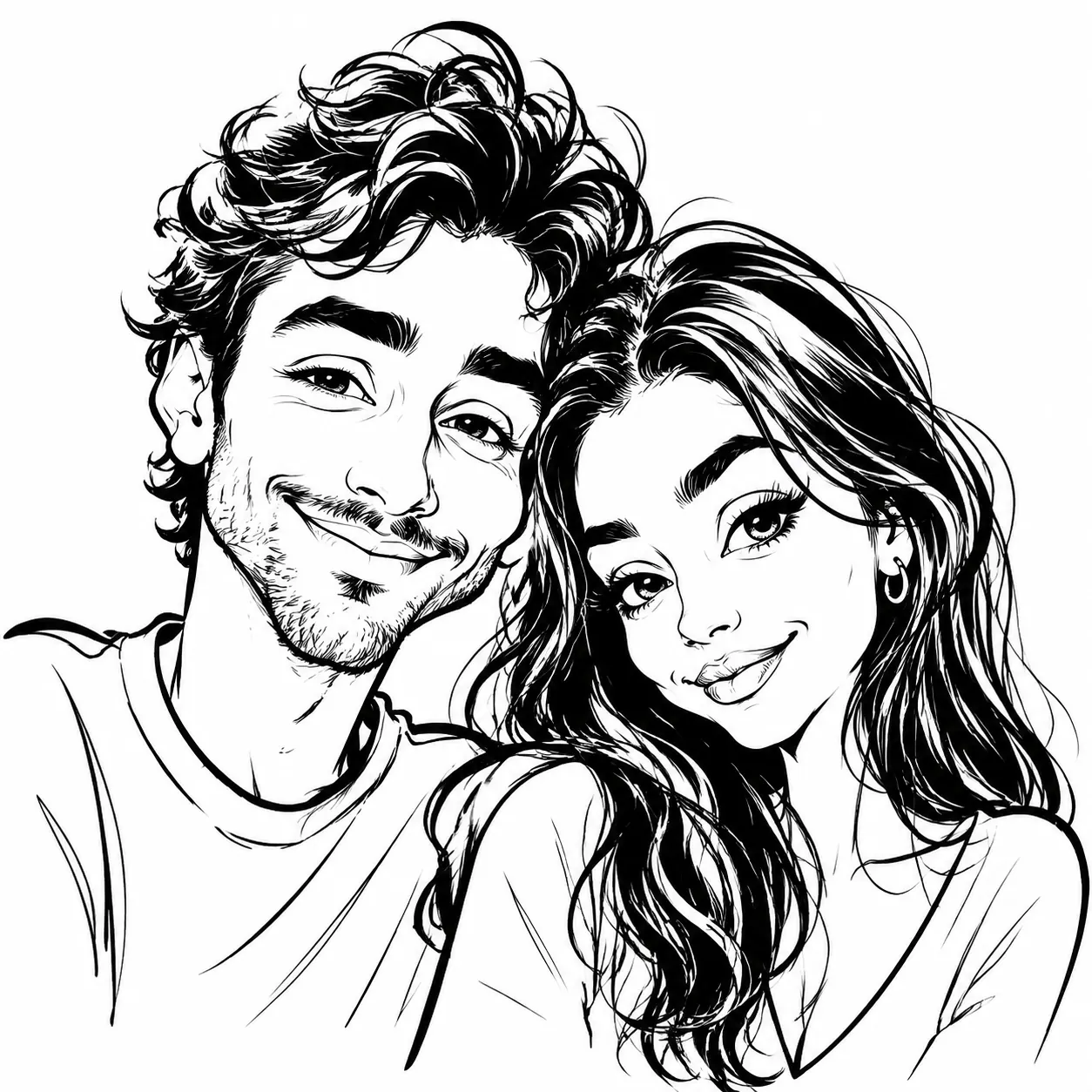
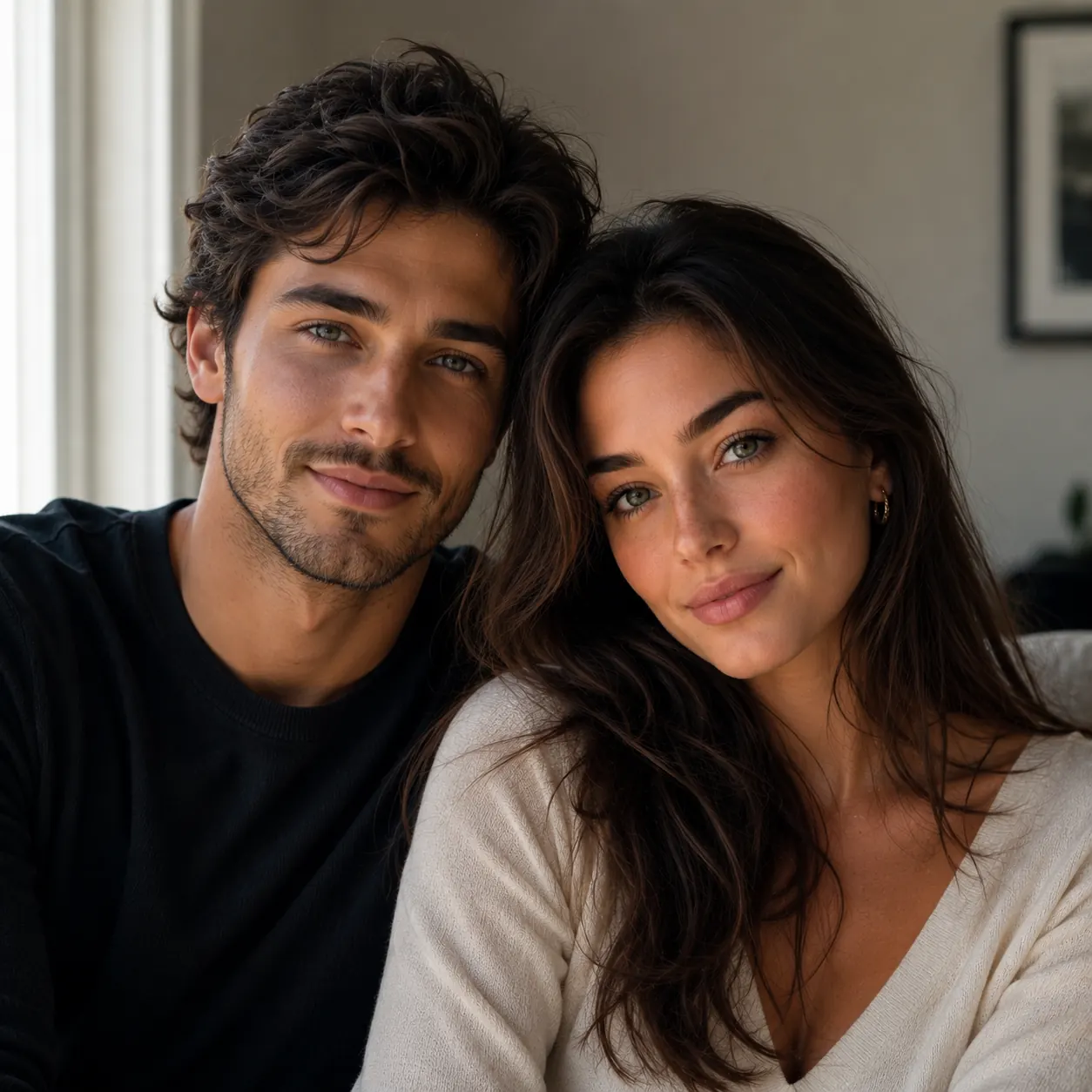
Good uses
- Fun profile pictures and avatars with exaggerated personality
- Couple and group caricatures for gifts, invitations, and keepsakes
- Party entertainment and live-style portrait art for events
Cleaner results
- Use a photo where the face is clearly visible and takes up most of the frame.
- Simple or plain backgrounds produce cleaner caricature results.
- Well-lit portraits with visible facial structure work better than dark or low-contrast shots.
How to turn a photo into a caricature
Upload a clear portrait photo with the face fully visible and well-lit.
Choose the caricature style and toggle between black ink or colored pencil output.
Download the result and use it as a fun profile picture, gift, or shareable artwork.
photo to caricature FAQ
Read the caricature guideWhat kind of photo works best for a caricature?
Clear, well-lit portrait photos where the face is the main subject. Simple backgrounds and good contrast make the exaggerated features read more clearly.
Is the caricature style different from a regular sketch?
Yes. A regular sketch keeps realistic proportions, while the caricature style deliberately exaggerates facial features like the eyes, head size, and expressions for playful, humorous effect.
Can I choose between black & white and color?
Yes. The tool defaults to black ink line art on a white background. Toggle the colored caricature option to add vibrant colored pencil and marker tones for a more playful look.
Can I use this for couple or group photos?
Yes. Couple and small group portraits work well. Each person's distinctive features are exaggerated individually while keeping everyone recognizable.
Is the caricature result suitable for printing?
Yes. Download the result and print it for gifts, cards, invitations, or framed artwork. The clean line art style prints well at standard photo sizes.
Image to Sketch Pricing
Buy credits once and use them anytime. Every result is watermark-free. Paid credit packs add batch conversion and background cleanup.
20 Credit Pack
A low-friction pack for small creative batches.
- 20 non-expiring credits
- Batch up to 4 images at once
- Background cleanup
- Pay once, use anytime
45 Credit Pack
For regular image-to-sketch work with one-time credits.
- 45 non-expiring credits
- Batch up to 4 images at once
- Background cleanup
- Pay only when you need it
100 Credit Pack
For heavy batches, classrooms, teams, and repeat creative workflows.
- 100 non-expiring credits
- Batch up to 4 images at once
- Background cleanup
- Lowest cost per image