Turn a Photo or Image into aColoring Page
Turn any photo, picture, or image into a printable coloring page with bold outlines, simpler shapes, and open white space for crayons and markers.
Upload
Add an image
Output ratio
Fit the coloring page onto a white canvas without cropping the subject.
Results
Printable coloring pages
Your coloring page appears here
When photo to coloring page works best
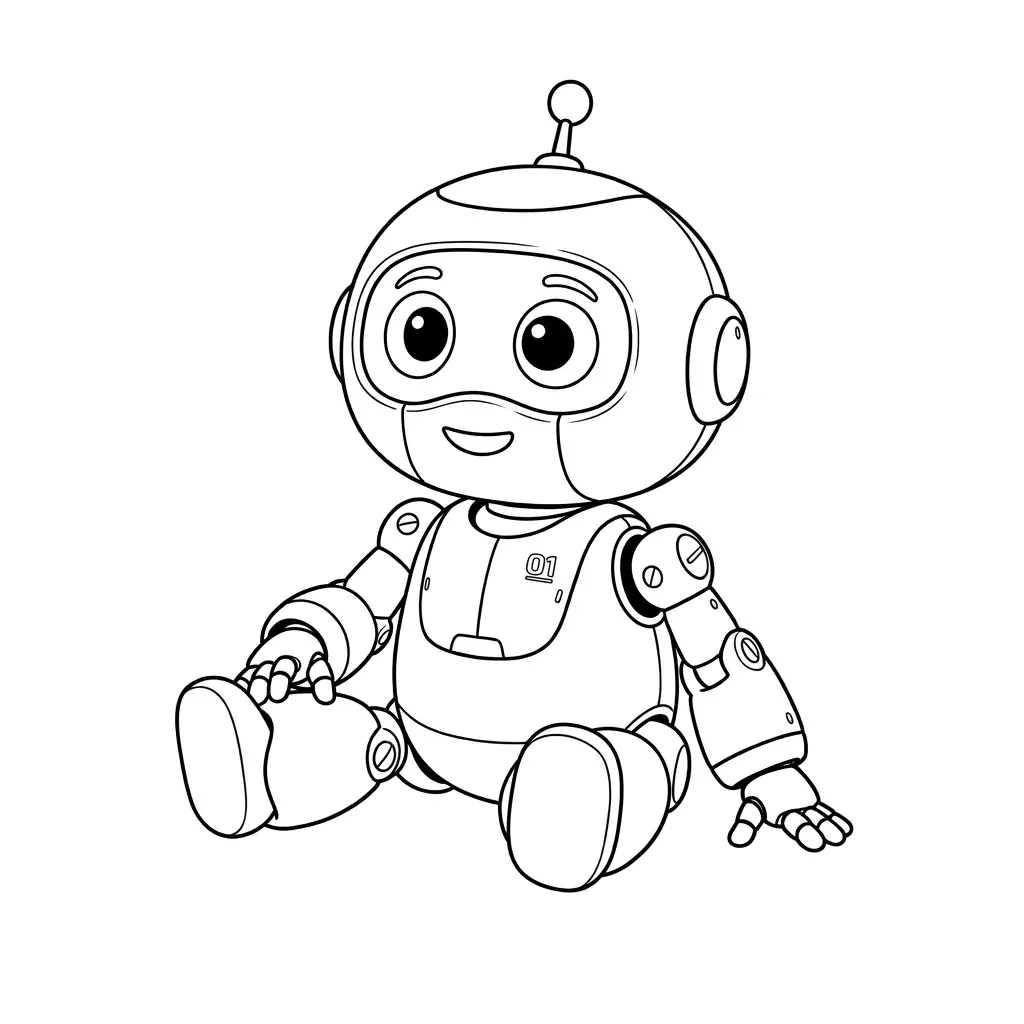
This photo to coloring page converter keeps the outlines of your picture and removes shading, color, and texture, so the result is ready to print and color. Upload a JPG, PNG, or WebP image of a pet, a child, a toy, a house, or a favorite place, pick a print-friendly ratio such as 3:4 portrait, and download a clean black-and-white coloring sheet. It works best with clear subjects, simple backgrounds, and photos where the main edges are easy to see.

Good uses
- Personalized coloring pages of pets, kids, and family photos
- Classroom worksheets and quick coloring activities
- Birthday party, holiday, and gift coloring sheets
- Craft projects from toys, plants, houses, and simple objects
Cleaner results
- Crop closer to the subject before uploading.
- Avoid dark, cluttered, or heavily textured backgrounds.
- Use 3:4 portrait for printing on Letter or A4 paper.
- Choose coloring page over pencil sketch when you need white space for crayons or markers.
How to turn a photo into a coloring page
Upload a clear photo, picture, or image (JPG, PNG, or WebP) with the subject fully visible.
Keep the coloring page style and choose a ratio. 3:4 portrait fits standard Letter and A4 paper well.
Generate the coloring page. Most results are ready in about a minute.
Download the result and print it at full page size, or share it as a digital coloring sheet.
image to coloring page FAQ
Read the coloring page guideIs the image to coloring page converter free?
Yes, you can try it free. New accounts get a free credit to convert a photo into a coloring page, and results have no watermark. Credit packs are available if you want to make more pages or convert several photos at once.
Can I turn any photo or picture into a coloring page?
Most photos work. Pictures with one clear subject, good lighting, and a simple background create the cleanest coloring pages. Busy backgrounds, dark photos, and tiny details can make the outline harder to color.
How do I print the coloring page?
Choose the 3:4 portrait ratio before generating, download the image, and print it with "fit to page" turned on. That fills a standard Letter or A4 sheet with little wasted margin.
Can I make coloring pages from pet or family photos?
Yes. Pets, kids, and family portraits are some of the most popular uses. Use a photo where faces are well lit and not too small in the frame so the outlines stay recognizable.
Is this different from a pencil sketch?
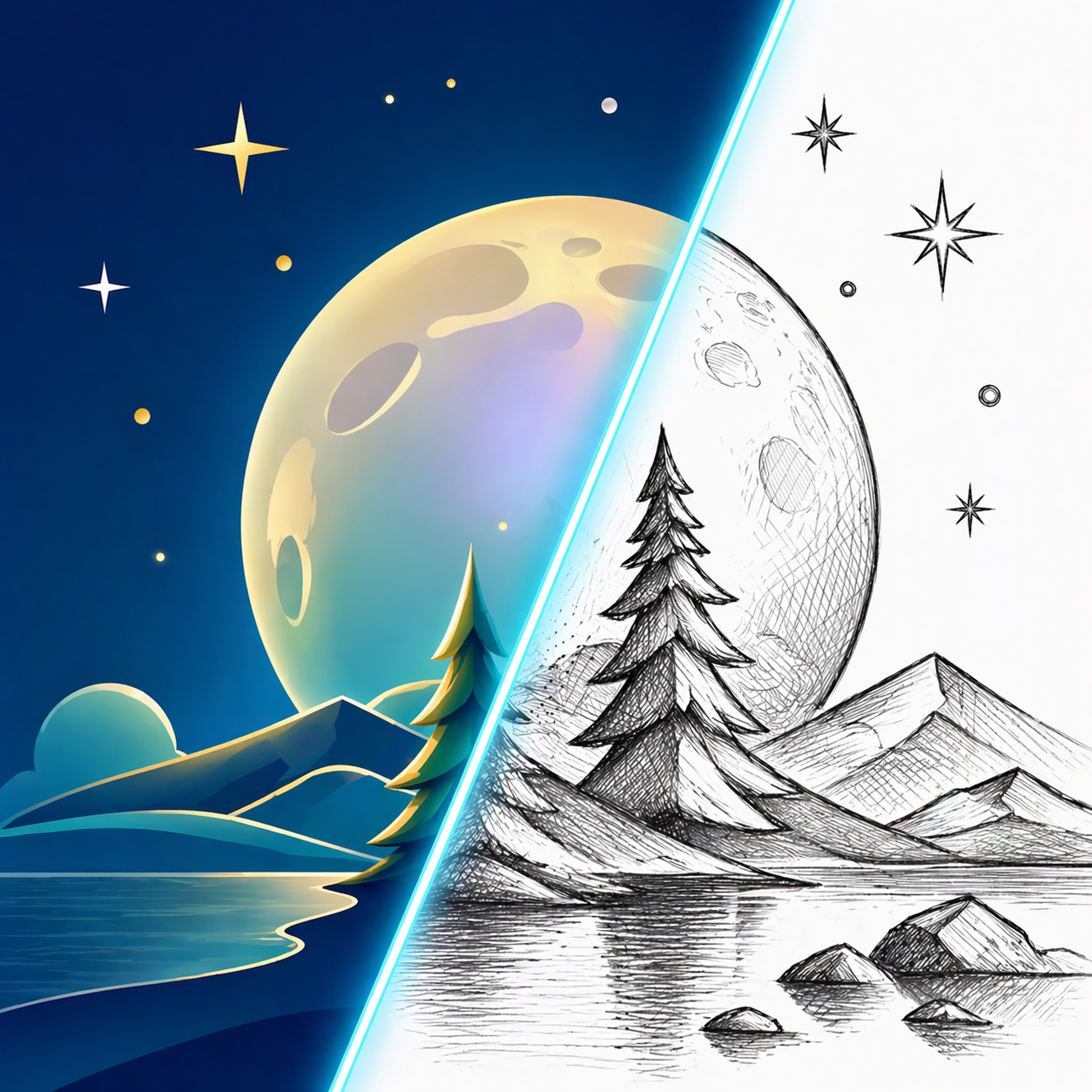
Yes. A pencil sketch keeps more shading and texture, while a coloring page result keeps strong outlines and open white space so it is easy to color.
Can I convert several photos at once?
Yes. With a credit pack you can convert up to 4 photos in one batch with the same style, which is handy for making a small coloring book or a set of party sheets.
Image to Sketch Pricing
Buy credits once and use them anytime. Every result is watermark-free. Paid credit packs add batch conversion and background cleanup.
20 Credit Pack
A low-friction pack for small creative batches.
- 20 non-expiring credits
- Batch up to 4 images at once
- Background cleanup
- Pay once, use anytime
45 Credit Pack
For regular image-to-sketch work with one-time credits.
- 45 non-expiring credits
- Batch up to 4 images at once
- Background cleanup
- Pay only when you need it
100 Credit Pack
For heavy batches, classrooms, teams, and repeat creative workflows.
- 100 non-expiring credits
- Batch up to 4 images at once
- Background cleanup
- Lowest cost per image