Photo to Gouache Art: Create a Modern Folk Illustration
Learn how to turn portraits and lifestyle photos into modern gouache folk art with matte brush texture, rosy faces, warm earth tones, and botanical layers.
Quick Answer
How do you turn a photo into gouache folk art?
Upload a portrait or lifestyle photo, choose the Gouache Folk Art style, match the output ratio to the original composition, and generate the painted result. The tool keeps the subject, pose, clothing, and scene while translating them into expressive blocky shapes and visible brushwork.
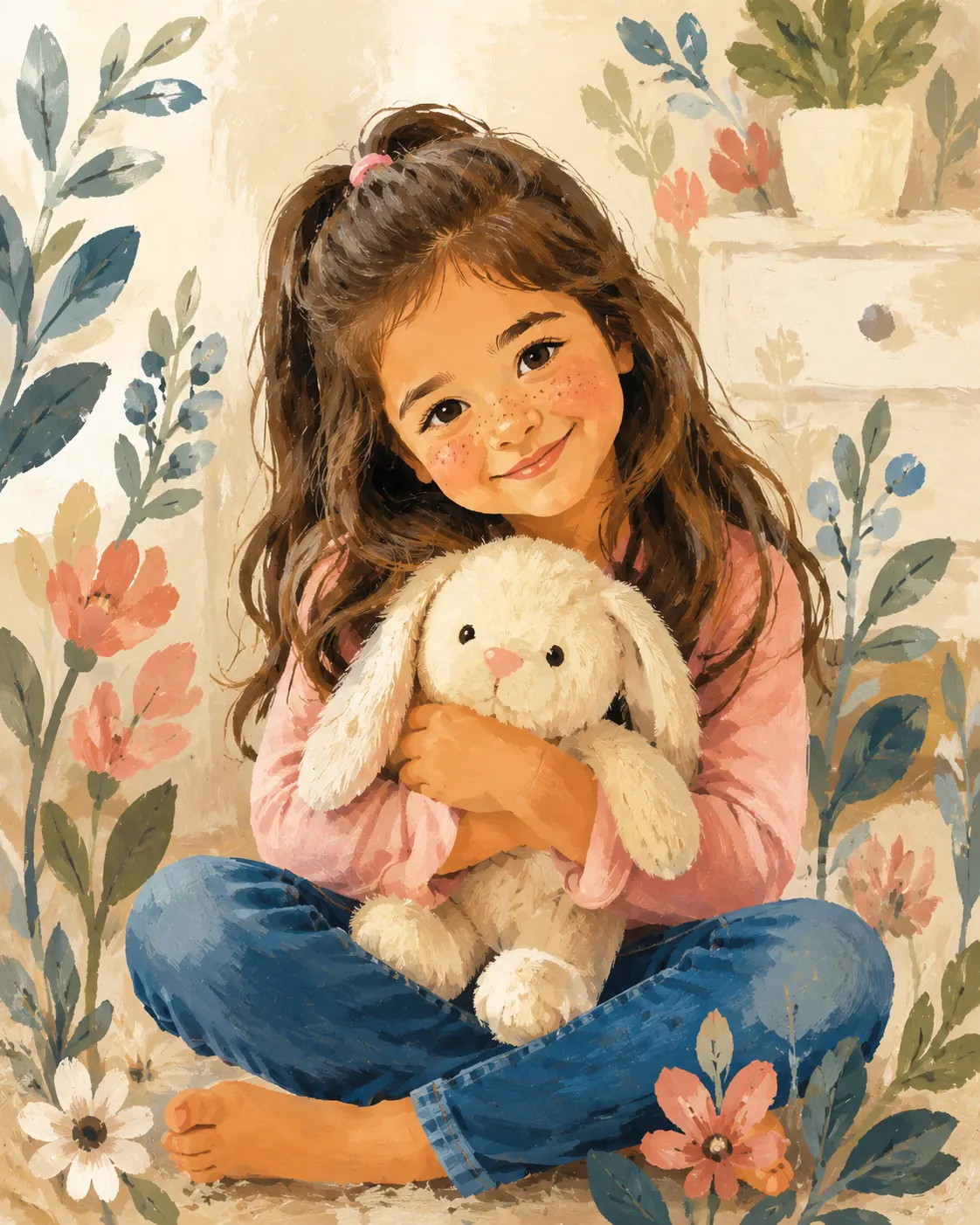
The finished illustration uses opaque matte color, watercolor texture, rosy dry-brush cheeks, simplified facial features, and botanical overlays. It should feel hand painted and layered rather than glossy, photographic, or vector-perfect.
Best Inputs
Which photos work best for gouache portraits?
The stylized face needs enough visual information to preserve identity. Medium and close portraits usually work better than wide group scenes because eyes, eyebrows, nose shape, lips, freckles, and cheek texture remain readable.
- Choose soft, even light with visible facial structure.
- Use a crop where faces and hands are not tiny or blurred.
- Prefer uncluttered backgrounds and clear separation around the figure.
- Keep meaningful clothing and props visible so the illustration retains the story of the photo.
Color and Texture
What gives modern gouache folk art its character?
Gouache gets its weight from opaque, matte color and visible brush texture. Folk illustration adds simplified anatomy, rhythmic shapes, and a decorative composition that can bend realism without losing the person.
Warm ochres, clay reds, browns, and skin tones create a grounded base. Cool greens, blue-greens, and muted botanical colors provide contrast around the figure. Dry-brush freckles and stippled rosy cheeks keep the face tactile rather than digitally smooth.
FAQ
Photo to gouache art FAQ
Common questions before creating a modern folk illustration.
Is gouache the same as watercolor?
They can share visible brush texture, but gouache usually feels more opaque and matte, while watercolor is more transparent and luminous.
Can the style work with couple photos?
Yes. Couple portraits work well when both faces are clear and the pose has a readable silhouette.
Will the tool replace my background?
It interprets the existing composition with a soft pastel ground and botanical layers while preserving the source scene and subject relationships.
Create gouache folk art from your photo
Upload a portrait, couple photo, or lifestyle image and turn it into a matte hand-painted illustration.
Make gouache folk art