
Printable Coloring Pages from Photos for Classrooms and Crafts
Learn how to turn photos into printable coloring pages for classrooms, crafts, family activities, and simple line-art projects.
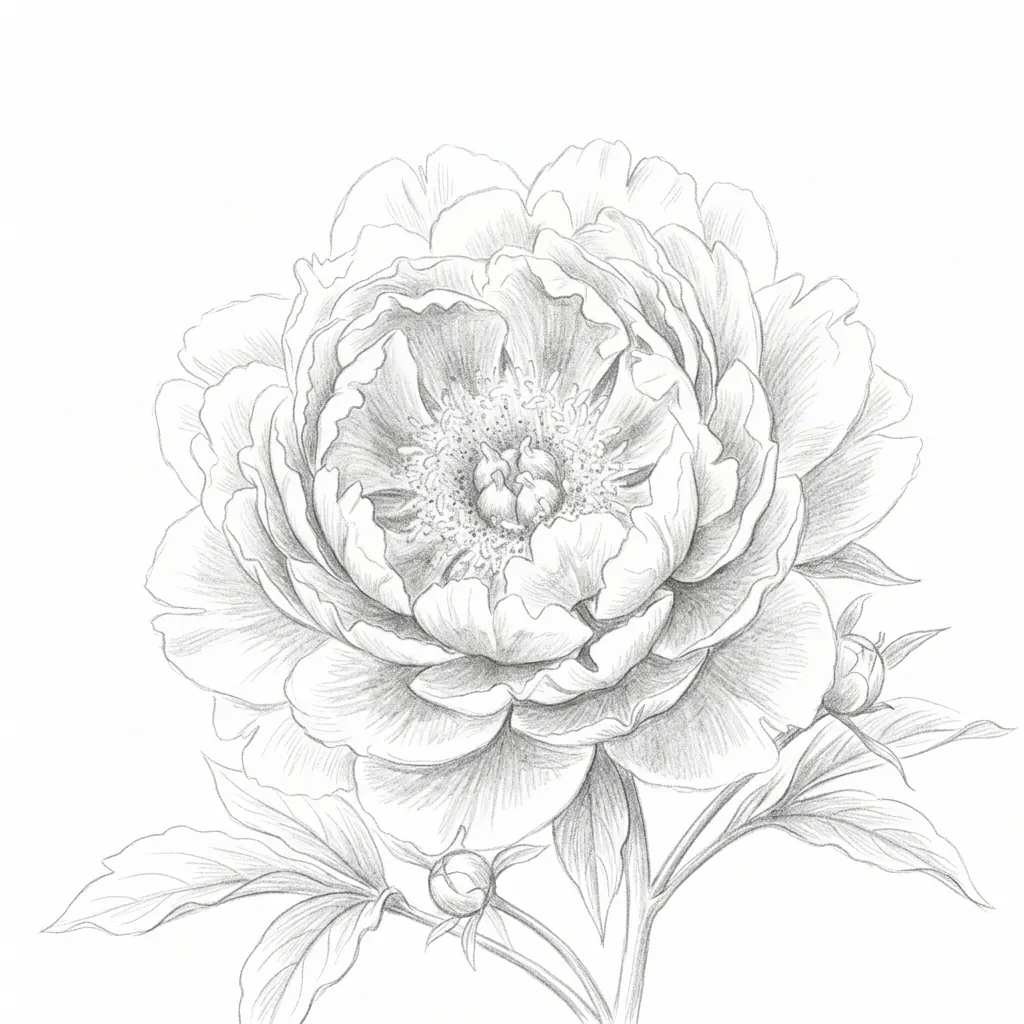
Quick Answer
How do you make printable coloring pages from photos?
To make a printable coloring page from a photo, start with a bright image that has one clear subject, crop away extra background, choose a coloring page or clean outline style, then check the result at the size you plan to print. The goal is not to keep every detail from the photo. The goal is to keep the main shapes easy to color.
This workflow is useful for teachers, parents, craft sellers, and anyone who wants a custom coloring sheet from a pet, flower, portrait, classroom mascot, travel memory, or simple object. A photo to coloring page converter works best when the source image already has clear edges and enough empty space around the subject.
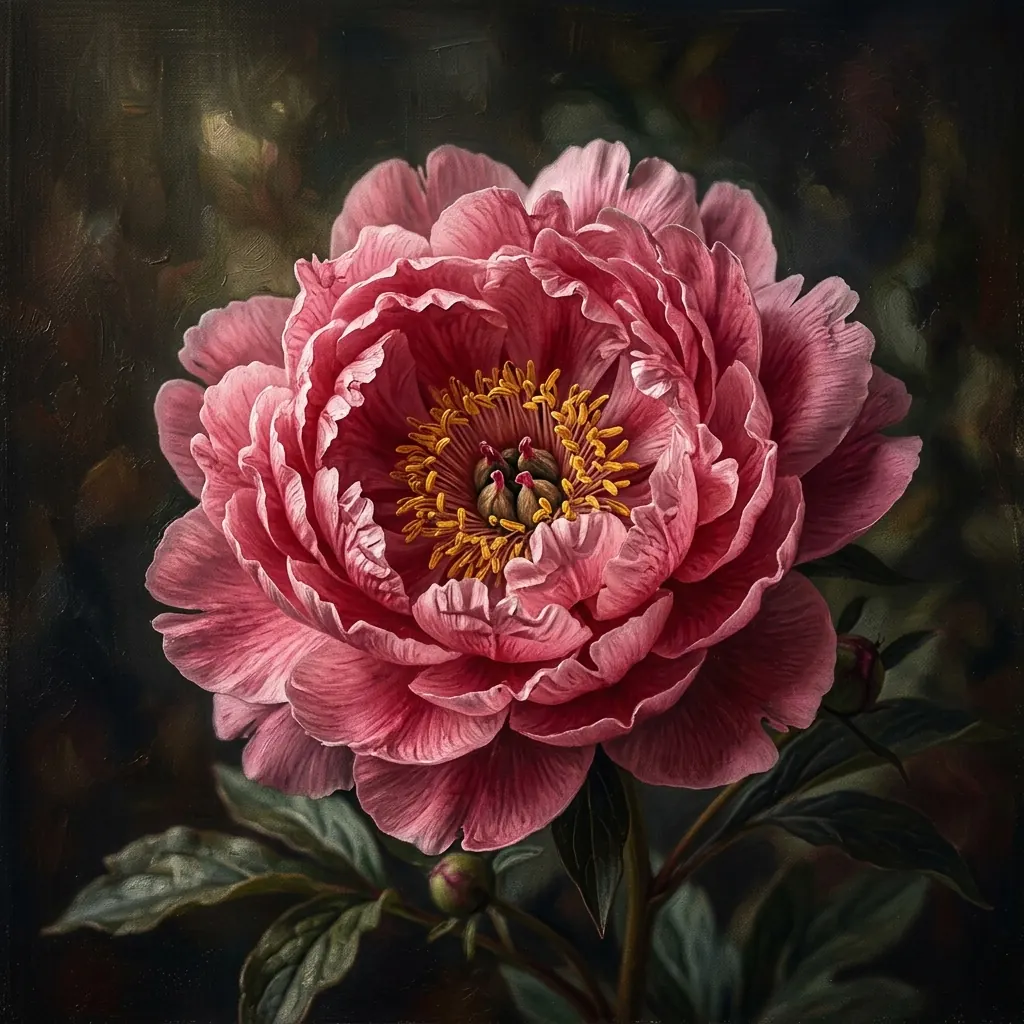
Best Inputs
The photos that make the cleanest printable coloring pages
A good printable coloring page starts before conversion. If the original photo is dark, blurry, or packed with tiny background texture, the final outline may be hard to color. If the subject is clear, the converter can simplify the image without losing what makes it recognizable.
For classroom and craft use, think about who will color the page. Younger kids need larger shapes and fewer interior lines. Older students and adults can handle more detailed petals, fur, windows, clothing folds, or decorative patterns.
- Choose one main subject, such as a flower, pet, portrait, toy, classroom object, landmark, or product.
- Use photos where the subject fills about 60 to 80 percent of the frame.
- Look for strong separation between the subject and the background.
- Avoid motion blur, screenshots, heavy shadows, dense grass, busy fabric, and crowded scenes.
- For kids, prefer simple silhouettes and big shapes over realistic texture.
Use Case Fit
What classrooms and craft projects need from a coloring page
A coloring page for a lesson, party, or craft table has different requirements than a decorative line drawing. It needs to print clearly, survive quick coloring, and stay readable even when students use thick markers or crayons. Clean space matters as much as accurate detail.
If you are creating pages for a group, make one sample print before sharing the final file. A page that looks elegant on a bright screen can feel too pale on copy paper, while a very dense outline can make the activity feel more like tracing than coloring.
- For preschool and early elementary activities, use bold outlines and fewer small interior lines.
- For older students, crafts, and relaxing adult coloring pages, keep more texture and secondary detail.
- For seasonal projects, use recognizable subjects like flowers, pets, classroom mascots, houses, leaves, or travel landmarks.
- For cutouts, cards, and stickers, leave a clear outer silhouette around the subject.
- For worksheets, keep enough blank margin for labels, instructions, or student names.
Workflow
Step-by-step: turn a photo into a printable coloring page
You do not need illustration software to create a useful sheet. Most improvements come from choosing the right photo, using the right output style, and checking the result like a printed page instead of a social media image.
Start with a simple, high-resolution photo
Use the clearest version you have. If the subject is small in the frame, crop closer before converting so the final lines do not waste space on background detail.
Choose coloring page or clean outline
Pick a style that removes most shading and keeps readable edges. Pencil sketch can look beautiful, but it often keeps too much tone for a page meant to be colored.
Review the largest shapes first
Check whether the subject still reads at a glance: petals and leaves for a flower, eyes and ears for a pet, windows and roofline for a house, or face shape for a portrait.
Test at print size
Preview or print the page at the final size, such as US Letter or A4. If thin lines disappear or dense areas turn gray, use a simpler crop or a cleaner source photo.
Print Prep
Simple print checks before you use the coloring page
Printing is where many custom coloring pages succeed or fail. A good file should still look clear after it leaves the screen, especially if it will be copied, stapled into packets, or used with markers that bleed through thin paper.
Before printing a batch, check line thickness, page margins, and the amount of white space. For classroom use, one quick test print is usually enough to catch problems before you make 20 or 30 copies.
- Use portrait orientation for faces, pets, flowers, and most single-subject pages.
- Use landscape orientation for wide buildings, classroom scenes, vehicles, or group photos.
- Keep margins wide enough that printers do not crop petals, ears, labels, or borders.
- Choose plain white paper for quick activities and heavier paper for markers, cards, or craft cutouts.
- If the page looks gray when printed, simplify the image or choose a cleaner outline style.
Troubleshooting
How to fix coloring pages that look too busy
Busy coloring pages usually happen when the converter is asked to keep too many small details. Hair, fur, grass, fabric, tree leaves, and classroom clutter can all turn into dense line fields that leave little room for color.
The fastest fix is usually a better crop. Make the main subject larger, remove background texture, and avoid photos where the important edges are hidden in shadow.
- If the background creates noise, crop closer to the subject or choose a photo with a plainer backdrop.
- If the page has too many tiny details for kids, use a simpler subject or a closer crop.
- If lines are too thin after printing, start with a sharper photo and avoid low-contrast images.
- If dark shadows turn into heavy black patches, use a brighter photo with softer light.
- If the result no longer looks like the subject, choose a photo with a stronger silhouette.
Project Ideas
Printable coloring page ideas for classrooms and crafts
Custom coloring pages are most useful when the subject is personal or connected to the activity. A flower from a science lesson, a classroom mascot, a pet, a local building, or a favorite toy can make the sheet feel more meaningful than a generic coloring-book page.
You can also use the same outline as a starting point for other projects. Once the photo is simplified into line art, it can become a tracing sheet, card front, sticker design, embroidery reference, or cutout template.
- Flower and plant coloring pages for nature lessons, spring crafts, and calm art activities.
- Pet coloring pages for classroom sharing, family keepsakes, or party activities.
- Portrait coloring pages for birthdays, student profiles, or year-end classroom memories.
- Travel and landmark pages for geography lessons or vacation scrapbooks.
- Object outlines for cards, labels, product mockups, stickers, and simple craft templates.
FAQ
Printable coloring pages from photos FAQ
These are the questions people usually ask before turning a personal photo into a printable coloring sheet.
Can I make a coloring page from any photo?
You can convert most photos, but clear photos with one subject, strong edges, and simple backgrounds usually make the best printable coloring pages.
What photos work best for kids' coloring pages?
Photos with large shapes, simple outlines, and limited small detail work best for kids. Pets, flowers, toys, portraits, and classroom objects are often easier than crowded scenes.
Should I use pencil sketch or coloring page style?
Use coloring page style when you want clean outlines and white space for coloring. Use pencil sketch when you want shaded artwork rather than a printable activity sheet.
How do I make a coloring page less messy?
Crop closer, choose a brighter photo, remove background clutter, and use a cleaner outline style. Those changes usually reduce extra lines without losing the main subject.
Can I print a custom coloring page for classroom use?
Yes. Test one copy first, check that the lines are visible on paper, and make sure the page has enough white space for the age group using it.
Create a printable coloring page
Upload a flower, pet, portrait, classroom object, or travel photo and compare the printable coloring page result with the original image.
Make a coloring page